
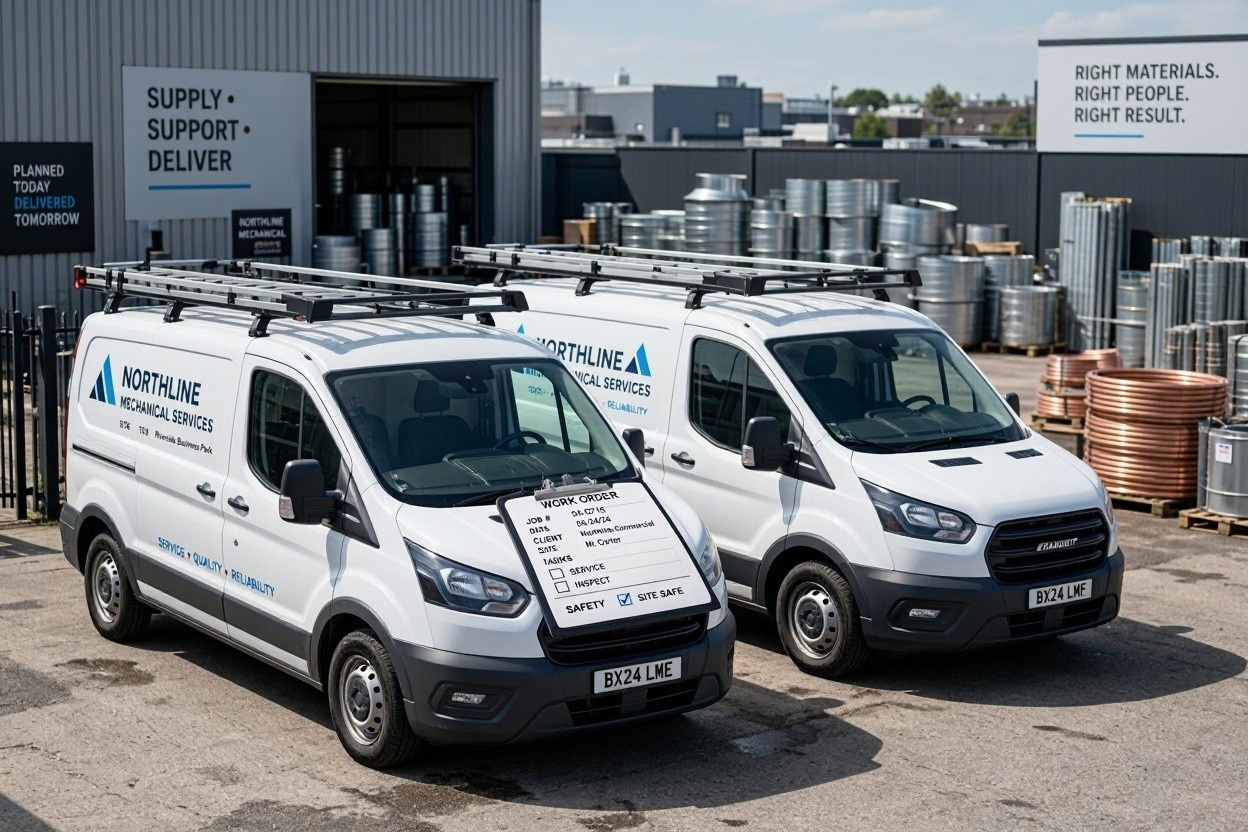
These two get compared constantly, and most of the comparisons miss the point. ServiceTitan and Housecall Pro are not competitors at the same level — one is built for contractors with a dispatch department, the other for shops where the owner still runs calls. The price difference reflects that honestly.
So the question isn’t which is better. It’s which one is built for the shop you actually run. This page gives you the numbers on both, the terms nobody reads until it’s too late, and where each one stops being the right answer. If you want the wider field first, our ServiceTitan alternatives guide covers seven options side by side.
Who Each One Is For
| ServiceTitan | Housecall Pro | |
|---|---|---|
| Sweet spot | 20+ technicians with office staff | 1–15 technicians, owner still involved |
| Setup time | 2–12 months to go live | Same week |
| Pricing | Per technician, quoted only | Per plan, published |
| Contract | 12 months minimum, often longer | Month-to-month available |
| Onboarding cost | $5,000–$50,000 | None |
The honest summary: ServiceTitan is a business operating system for a company that has outgrown running on one screen. Housecall Pro is a tool for a company that hasn’t yet — and it’s priced accordingly.
We compared ServiceTitan against Jobber in a separate piece; this page covers the match-up that matters if you’re choosing between the two most capable platforms in the category.
What ServiceTitan Actually Costs

ServiceTitan does not publish prices. Their pricing page names three tiers — Starter, Essentials, and The Works — and routes every visitor to a quote request.
What contractors report paying:
| Cost element | Reported figure |
|---|---|
| Per technician, per month | $245–$500, by tier |
| Implementation | $5,000–$50,000 one-time |
| Ten-technician shop, year one | $51,000–$63,000 commonly reported |
| Contract | 12 months minimum; 24–36 common |
Treat those as a range, not a rate card. The important numbers are the two terms in ServiceTitan’s own documentation, because they’re confirmed rather than reported.
The three-technician billing minimum. Their onboarding documentation states that signing at the minimum access level of three managed technicians means you’re billed for three even if you’ve added fewer. If you have two trucks, you pay for three.
Early termination. The Terms of Use state that terminating before the term ends means owing all remaining payments for that term. Sign a 24-month agreement and change your mind in month three, and you owe 21 months.
Both terms are normal for enterprise software and both are worth knowing before you sign rather than after.
What Housecall Pro Costs
Housecall Pro publishes its pricing, which already makes it easier to evaluate. It also sells two separate product lines, which is where most comparisons get confused.
The general plans run $59, $149, and $299 per month billed annually for Basic, Essentials, and MAX. But in July 2026 Housecall Pro launched trade-specific packages for HVAC, plumbing, and electrical contractors with their own price list:
| Plan | General plans | HVAC package |
|---|---|---|
| Basic | $59 (1 user) | $79 (1 user) |
| Essentials | $149 (5 users) | $229 (1 user) / $299 (5 users) |
| MAX | $299 (8 users) | $399 (1 user) / $649 (8 users) |
If you run an HVAC shop, the package column is the one that applies to you. On the package, every tier includes a KPI dashboard, purchase orders, fee-free card surcharging, and technician efficiency reporting. Essentials adds flat-rate pricing, the Sales Proposal Tool, membership plans, and price-book commissions. MAX adds route optimization, Pipeline, and AI pricing insights.
Two other things to watch. Extra users are listed at $35 per month on the general pricing page and $75 on one of Housecall Pro’s own pricing cards — a $480 monthly difference on a ten-person team, so confirm yours in writing. And most add-ons have no published price at all.
There’s a 14-day free trial on MAX, no card required, which you can start here. Testing the top tier rather than a stripped version is genuinely useful.
We go through the plans feature by feature in our Housecall Pro review.
Cost at Your Team Size
Putting the two side by side at realistic headcounts, using published rates and reported ServiceTitan figures:
| Team size | ServiceTitan (reported) | Housecall Pro (HVAC package) |
|---|---|---|
| 3 technicians | $735–$1,500/mo (billed at 3 minimum) | $299/mo Essentials |
| 5 technicians | $1,225–$2,500/mo | $299/mo Essentials |
| 10 technicians | $2,450–$5,000/mo | $649/mo MAX + 2 seats |
| 20 technicians | $4,900–$10,000/mo | $649/mo MAX + 12 seats |
Even allowing for the uncertainty in ServiceTitan’s figures, the gap is measured in multiples rather than percentages. At five technicians, Housecall Pro costs somewhere between a quarter and a fifth of ServiceTitan’s reported rate.
That’s not a fair fight and it isn’t meant to be. ServiceTitan is charging for a platform that does substantially more — deeper reporting, marketing attribution, call booking workflows, inventory, and the operational discipline that comes with a structured implementation. Whether that’s worth five times the price depends entirely on whether you’ll use it.
Feature Comparison Where It Matters
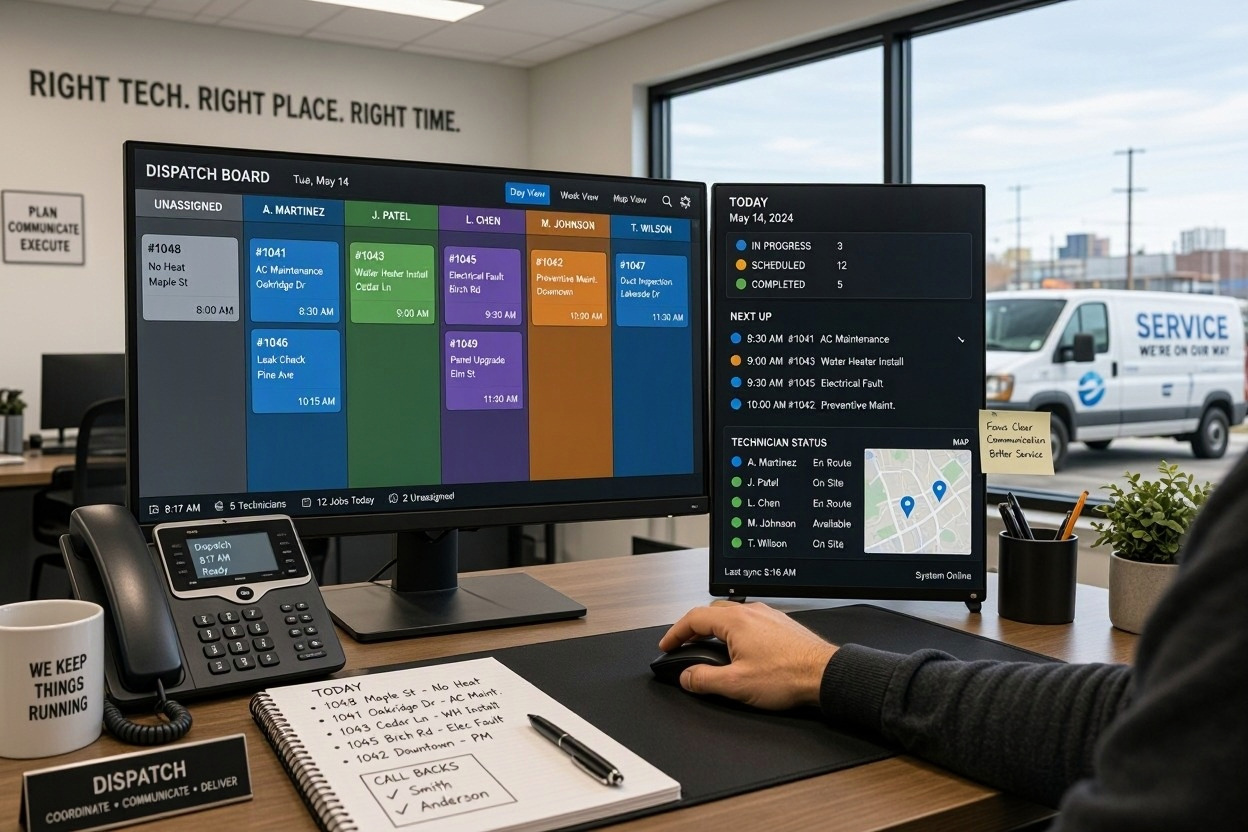
Feature lists are long and mostly irrelevant. These are the differences that change a decision.
| Capability | ServiceTitan | Housecall Pro |
|---|---|---|
| Flat-rate price book | Yes, deep | Yes, Essentials+ |
| Good/better/best proposals | Yes | Yes, Sales Proposal Tool |
| Route optimization | Yes, AI-assisted | MAX only, narrow scope |
| Reporting depth | Best in category | Thin below MAX |
| Call booking and recording | Yes | Limited |
| Memberships | Yes | Yes, on the package |
| Marketing attribution | Yes | Basic |
| Open API | Yes | MAX only |
Route optimization deserves a note, because it’s widely misreported. Housecall Pro does have native routing — it’s called Optimize by Drive Time, and it reorders a technician’s day using live traffic. But their own documentation is clear that it only shuffles jobs within one tech’s day: it doesn’t move jobs between days or reassign work between technicians. It’s also MAX-only. ServiceTitan’s routing is broader and available lower down.
QuickBooks sync differs too. Housecall Pro’s is one-way, pushing invoices and payments from Housecall Pro into QuickBooks Online. Jobber’s is bidirectional in practice. ServiceTitan’s is deeper than both.
The Contract Terms Nobody Reads

This is where the two diverge most sharply, and where the cheaper option can end up costing more than the expensive one.
ServiceTitan binds you. Twelve months minimum, frequently pushed to 24 or 36 in exchange for a better per-technician rate. Early exit means the remaining term is payable. Cancellation at the end of term requires notice, and contractors report the process being harder than it should be.
Housecall Pro doesn’t. Month-to-month billing is available, annual plans are discounted rather than required, and there’s no implementation fee to write off if you leave. The free trial costs you nothing but time.
The practical consequence: choosing ServiceTitan is a multi-year financial commitment made before you’ve run the software on a real job. Choosing Housecall Pro is a monthly decision.
Where Each One Stops Working
Housecall Pro runs out of road around 20 technicians. Reporting is the first thing to go — it’s genuinely thin below MAX and only adequate above it. Multi-crew dispatch gets clumsy. If you have a dedicated dispatcher managing more than four or five crews at once, the board will frustrate them. And once you pass eight users, seat fees accumulate at $35 each.
ServiceTitan is overkill below ten technicians, and by its own admission worse than overkill below three. You’d be paying for reporting depth nobody reads, marketing attribution on a business with no marketing budget, and an implementation project that takes months — all to schedule eight calls a day. That’s why their comparison pages target larger operations.
Both Vendors Argue Their Own Case
Worth knowing what the vendors themselves claim, since both publish comparison content aimed at the other’s customers. ServiceTitan emphasises depth, scalability, and reporting. Housecall Pro emphasises speed of setup, published pricing, and the app’s usability.
Both are accurate about their own strengths. Neither is a neutral source, and the numbers they quote are chosen to make their own case. Use them for feature confirmation, not for cost comparison.
Our Verdict
For the audience this site is written for — HVAC, plumbing, and electrical shops running one to fifteen trucks — Housecall Pro is the answer, and it isn’t close.
Not because it’s better software. ServiceTitan is the more capable platform, demonstrably. But capability you can’t use is cost, and the gap here is five-fold.
Choose Housecall Pro if you run fewer than twenty technicians, want to be working this week, need flat-rate pricing, and would rather not sign a multi-year agreement. The Essentials tier on the HVAC package at $299 per month for five users is the sweet spot for most shops.
Choose ServiceTitan if you have twenty or more technicians, dedicated office staff, a dispatch department, revenue north of roughly $2M, and a genuine need for the reporting and marketing depth. Below that, you’re paying enterprise prices for a problem you don’t have yet.
If neither fits, our guide to the best HVAC dispatch software for small shops covers the alternatives, including flat-pricing options that suit growing crews better than either of these.
Frequently Asked Questions
Is Housecall Pro Cheaper than ServiceTitan?
Substantially. At five technicians, Housecall Pro Essentials on the HVAC package is $299 per month against reported ServiceTitan costs of $1,225–$2,500 for the same headcount, plus a $5,000–$50,000 implementation fee and a 12-month minimum contract. Even allowing for the uncertainty in ServiceTitan’s quoted figures, the difference is a multiple rather than a percentage.
Does Housecall Pro Have Route optimization?
Yes, but only on MAX and it’s limited in scope. The feature is Optimize by Drive Time, and Housecall Pro’s own documentation describes it as a day-of planning tool that reorders one technician’s jobs to reduce driving time. It does not move jobs between days or reassign work between technicians. ServiceTitan’s routing is broader. If you need fuller planning on a lower Housecall Pro tier, Beeline Routes integrates from $65/month for one vehicle.
Which One is Better For a Small HVAC Shop?
Housecall Pro, by a wide margin. ServiceTitan has stated in a BBB response that its platform isn’t optimized for companies with three or fewer technicians, and its three-managed-technician billing minimum means a two-truck shop pays for three. Housecall Pro’s Essentials tier on the HVAC package gives you flat-rate pricing, the Sales Proposal Tool, memberships, and QuickBooks sync for $299 per month for five users.
How Long Does ServiceTitan Take to Implement?
Contractors report two to twelve months from signing to fully operational, with most small and mid-size shops landing in the six-to-twelve-week range for the core platform and longer for full adoption. Housecall Pro’s setup is measured in hours or days rather than weeks, which is a real advantage if you need to be running on the software during a busy season.
Can I Cancel ServiceTitan Early?
Not without cost. ServiceTitan’s Terms of Use state that early termination means owing all remaining payments for the contract term. On a 24-month agreement cancelled in month three, that’s 21 months payable. There’s no free trial, so there’s no risk-free way to test it before committing. Export your data before you give notice, not after.
Does Housecall Pro Have a Free Trial?
Yes, 14 days on the MAX plan with no credit card required. That means you’re testing the top tier rather than a stripped version, so it’s a genuine evaluation. Data you enter during the trial is kept if you decide not to subscribe, so you can return to it later without starting over.
Which Has Better Reporting?
ServiceTitan, clearly. It’s the strongest reporting in the category, with custom report building and dashboards designed for operations that review performance weekly. Housecall Pro’s reporting is thin below the MAX tier and adequate rather than strong above it — users consistently list reporting as their main frustration. If reporting drives your decisions, that’s a real argument for ServiceTitan.
Is ServiceTitan Worth the Cost For a Ten-Truck Shop?
Usually not. At ten technicians you’d be paying roughly $2,450–$5,000 per month plus implementation, against $649 per month for Housecall Pro MAX plus two seat fees. ServiceTitan’s advantage is depth you’d use if you had a dispatch department, an active marketing programme, and someone analysing reports. Most ten-truck shops don’t have all three. The case for ServiceTitan usually starts around twenty technicians or $2M in revenue.
What Happens to My Data if I Switch?
Both platforms let you export customer records, job history, and invoices, and both make it easier while your account is active than after you’ve given notice. If you’re considering a switch, export first: customer data, job history, equipment records, and price book items. Price book data in particular is a rebuild if you lose it, especially if you’ve built flat-rate pricing with your own margins.
Do I need ServiceTitan’s Implementation Service?
It isn’t optional in practice. ServiceTitan is a configured platform rather than a self-serve one, and the implementation fee covering setup, data migration, and training is part of the package rather than an add-on. That’s genuinely useful if you want the platform tuned to your workflows, and it’s a real cost if you expected to sign up and start scheduling the same week.