
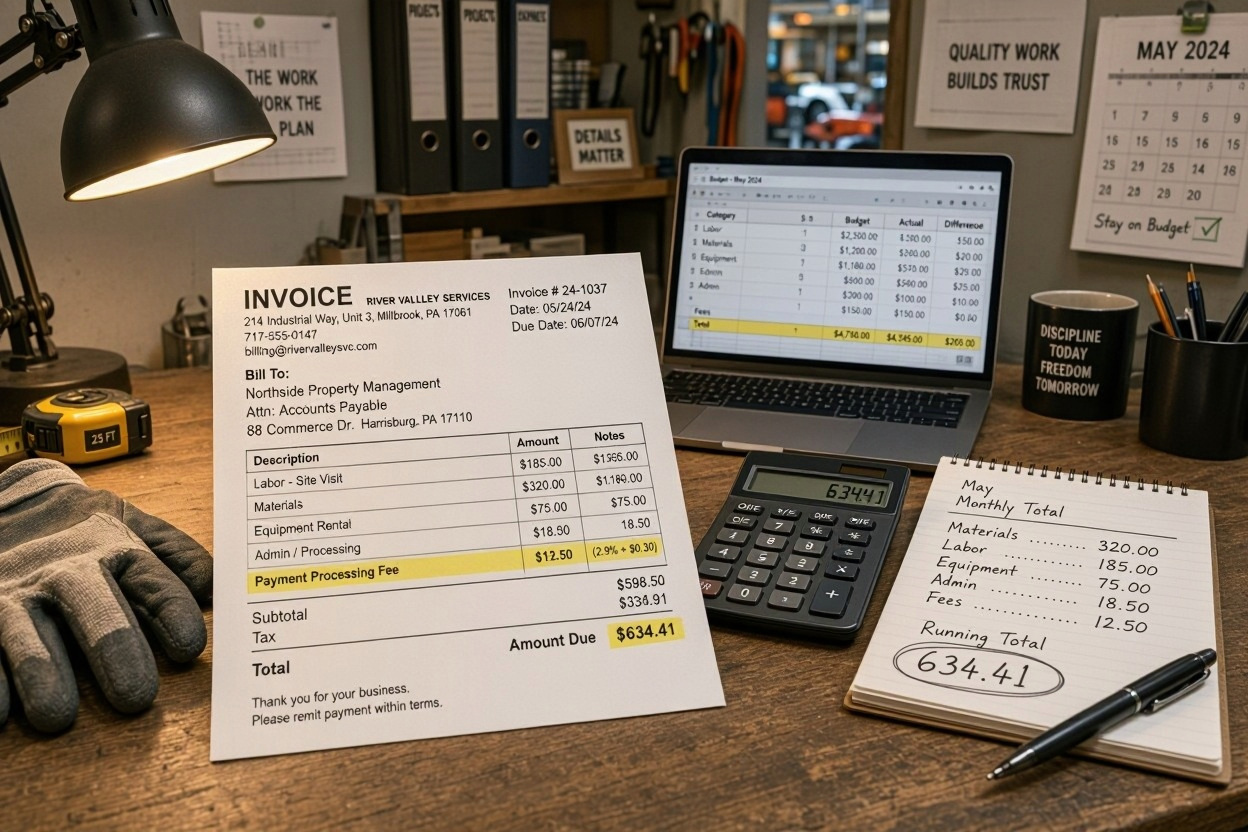
Most pricing pages in this category tell you the subscription cost and stop there. That’s the smallest part of the bill for most shops.
The number that actually matters is your monthly total: subscription plus payment processing plus per-user fees plus whichever add-ons you turn on. For a five-truck HVAC shop, processing alone often runs $300–$400 a month — comparable to the software subscription itself.
This page covers both. Published subscription rates for every major platform, the costs that sit behind them, and what a realistic monthly total looks like at three team sizes. If you’re still deciding which platform to price up, the guide to the best HVAC dispatch software for small shops narrows the field first.
Published Subscription Prices, Compared
All figures are annual-billing rates from each vendor’s own pricing page. Where a vendor doesn’t publish, the table says so.
| Platform | Entry | Mid tier | How it charges |
|---|---|---|---|
| ServiceM8 | $29/mo | $79/mo | By job volume, unlimited users |
| Jobber | $39/mo | $99/mo | Per user, $29 each extra |
| Kickserv | ~$60/mo | — | Users included by tier |
| Housecall Pro | $59/mo general $79/mo HVAC package |
$149/mo general $299/mo HVAC package |
Users included by tier |
| Service Fusion | $208/mo | $325/mo | Flat, unlimited users |
| ServiceTitan | Not published | Not published | Per technician, quoted |
The spread is wider than it looks, because the charging models aren’t comparable. A $29 ServiceM8 plan and a $208 Service Fusion plan can end up costing the same or wildly different depending on your job volume and headcount.
The Costs Beyond the Subscription
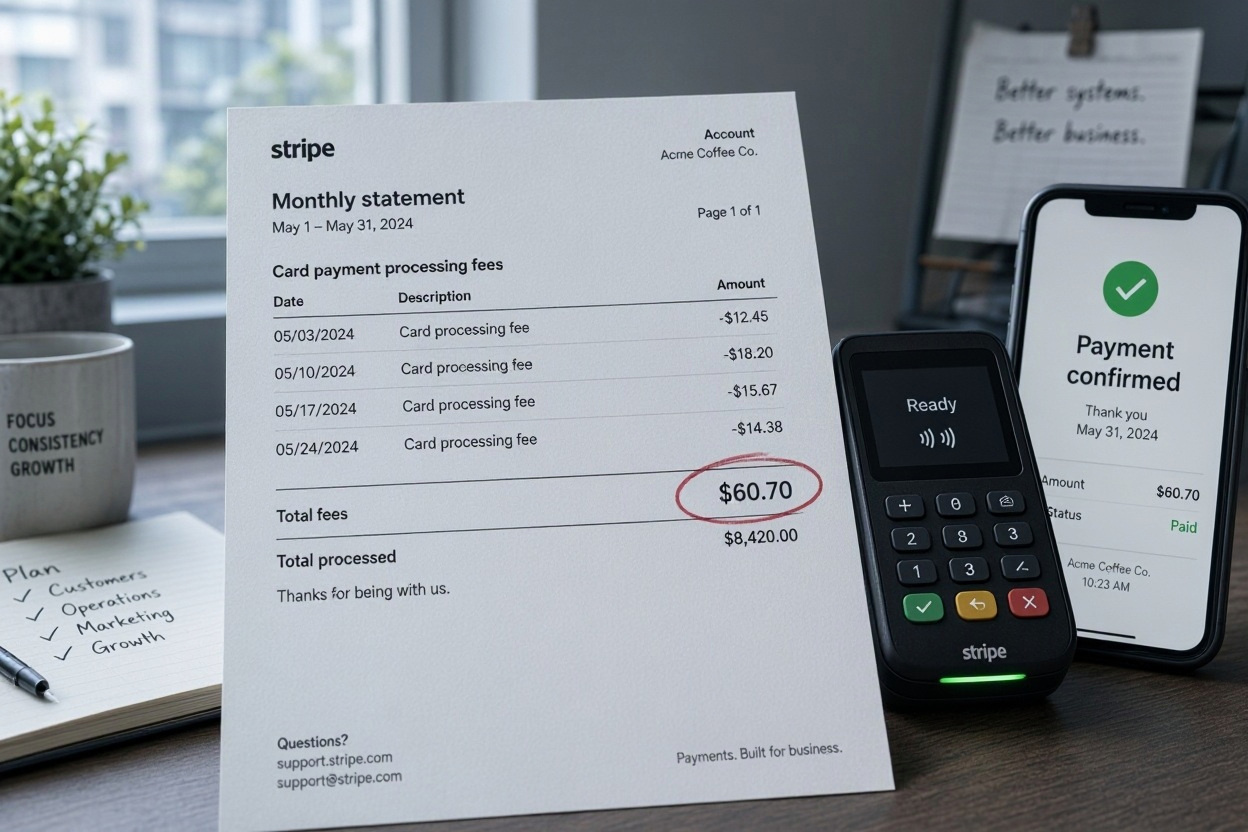
Four costs sit behind the sticker price. In order of how much they typically add:
1. Payment processing
The largest hidden cost for most shops, and the one nobody budgets for.
Housecall Pro’s published rates are typical of the category:
| Payment method | Rate |
|---|---|
| Card entered online by the customer | 2.99% |
| Card entered manually or scanned in the app | 3.49% |
| American Express and commercial cards | 3.49% |
| ACH / bank transfer | 1% |
| Instant payout (Instapay) | +1% |
A shop processing $40,000 a month on cards at 3.49% pays roughly $1,400 in fees. That dwarfs most software subscriptions — and it’s why card surcharging matters. Housecall Pro offers fee-free surcharging on its HVAC package, which lets you pass the cost to the customer with no platform cut. That feature alone can be worth more than any subscription discount.
One detail worth knowing: Instapay costs an extra 1%, and transactions under $75 carry an additional $0.75 charge. If you use instant payout on small service calls, that adds up faster than the percentage suggests.
2. Extra users
Per-user plans charge for every person who accesses the system — including office staff, not just technicians. Two things to check:
- The per-seat rate. Jobber charges $29 per extra user. Housecall Pro lists $35 on its general pricing page and $75 on one of its own pricing cards. On a ten-person team that discrepancy is $480 a month.
- Whether office staff count. Most platforms count anyone who logs in. A two-tech shop with an office manager is three users, not two.
3. Add-ons
Where the budget most often slips. Published prices, where they exist:
| Add-on | Platform | Price |
|---|---|---|
| Marketing Suite | Jobber | $79/mo |
| Sales Pipeline | Jobber | $49/mo |
| Receptionist (AI call answering) | Jobber | $29/mo |
| Vehicle GPS tracking | Housecall Pro | $20 per vehicle/mo |
| Pipeline, Voice, HCP Assist, Campaigns | Housecall Pro | Not published |
| Custom documents, eSign | Service Fusion | Quoted |
Note the pattern: Jobber publishes its add-on rates, Housecall Pro mostly doesn’t. If you need budgeting certainty before you commit, that’s a meaningful difference between the two.
4. Implementation and setup
For most platforms, nothing. Jobber, Housecall Pro, Service Fusion, ServiceM8, and Kickserv are all self-serve with no setup fee.
ServiceTitan is the exception, and it’s a large one. Reported implementation fees run $5,000–$50,000, with most small and mid-size shops paying $10,000–$25,000 before going live. There’s no free trial and a 12-month minimum contract. We cover those terms in detail in our ServiceTitan alternatives guide and in the ServiceTitan vs Jobber comparison.
Pricing by Team Size

Subscription cost only, at the team sizes most small shops run. Processing and add-ons sit on top.
| Shop size | Cheapest realistic fit | Subscription/mo |
|---|---|---|
| Solo, low volume | ServiceM8 Starter or Jobber Core | $29–$39 |
| Solo, busy | Jobber Connect | $99 |
| 2–3 techs + office | Jobber Connect / Housecall Pro Essentials | $99–$299 |
| 5 users | Kickserv / Housecall Pro Essentials | $60–$299 |
| 8 users | Jobber Grow / Service Fusion Starter | $208–$299 |
| 10+ users | Service Fusion Starter | $208, flat |
| 20 techs | Service Fusion or ServiceTitan | $208–$5,000+ |
Two things stand out. Service Fusion at $208 flat makes no distinction between eight users and twenty — at twenty users that’s $10.40 a seat. And the range between the cheapest and most expensive fit at a given size is enormous, which is why pricing your own headcount matters more than comparing entry rates.
Realistic Monthly Totals
Subscription plus processing, for a shop processing the volumes shown. Processing assumes 3.49% on cards, which is the rate for manually entered or app-scanned payments.
| Shop | Subscription | Card volume | Processing | Monthly total |
|---|---|---|---|---|
| Solo, $8k/mo revenue | $99 | $8,000 | ~$280 | ~$379 |
| 3 techs, $30k/mo | $299 | $30,000 | ~$1,050 | ~$1,349 |
| 5 techs, $60k/mo | $299 | $60,000 | ~$2,100 | ~$2,399 |
| 10 techs, $120k/mo | $208 flat | $120,000 | ~$4,200 | ~$4,408 |
The subscription is between 5% and 26% of the total in every row. That’s the point worth taking away: when you’re comparing platforms, you’re arguing over a fraction of the bill.
Which is also the argument for a different comparison entirely. What you’re really buying is whether your technicians use the thing, whether you get paid faster, and whether you can see which jobs make money. A $200 monthly difference between two platforms is trivial next to the cost of a system nobody opens.
Where the Money Actually Goes
Three things are worth more than any subscription saving.
Surcharging. If you process $60,000 a month on cards, passing the fee to customers saves roughly $2,100 monthly. No subscription discount comes close. Not every state permits surcharging, so check yours — but where it’s allowed, it changes the maths entirely.
Getting paid faster. Reducing days-sales-outstanding from 20 days to 5 improves cash flow more than any software saving. On-site payment collection is the mechanism, and it’s standard on every platform here.
Flat-rate pricing discipline. Contractors using flat-rate pricing on service calls report meaningfully higher net margins than those on time-and-materials. That’s a business decision rather than a software feature, but it’s a decision the software either supports or blocks — and it’s why Housecall Pro’s price book matters for HVAC shops specifically.
Frequently Asked Questions
How Much Does Field Service Software Cost Per Month?
Published plans run from $29 a month at the low end to $699 at the top of the small-business range. Jobber starts at $39, Housecall Pro at $59 on general plans and $79 on its HVAC package, ServiceM8 at $29, Kickserv at around $60, and Service Fusion at $208. ServiceTitan doesn’t publish prices and is quoted per technician, with reports landing between $245 and $500 per technician monthly.
What’s the Cheapest Field Service Software For a Small Shop?
ServiceM8 at $29/month for unlimited users and 50 jobs, and Jobber Core at $39/month for one user. Both have catches. ServiceM8’s job cap pushes a busy shop to $79 or $149, and Jobber Core is single-user with estimating and automation gated to higher tiers. Kickserv at around $60 for five users is the cheapest way to get a genuine multi-user system.
Are there Hidden Costs in Field Service Software?
Four: payment processing, extra users, add-ons, and implementation. Processing is usually the largest — around 2.99% to 3.49% per card transaction, which on $60,000 monthly revenue means roughly $2,100 in fees. Extra users cost $29 to $75 each depending on platform. Add-ons range from $20 per vehicle to $79 a month. And ServiceTitan charges $5,000 to $50,000 for implementation, which no other platform does.
Does Field Service Software Charge Per User?
Most do. Jobber, Housecall Pro, Kickserv, FieldPulse, and Workiz all charge per user or include a set number by tier. Two platforms price differently: Service Fusion charges a flat rate with unlimited users on every plan, and ServiceM8 charges by monthly job volume with unlimited users. Both models get cheaper per person as you add headcount, and both are more expensive at small team sizes.
How Much is Payment Processing on Field Service Software?
Housecall Pro publishes 2.99% for cards entered online by the customer, 3.49% for cards entered manually or scanned in the app, 3.49% for Amex and commercial cards, and 1% for ACH transfers. Instant payout adds 1%, and transactions under $75 carry an extra $0.75. Other platforms are broadly similar, with rates typically quoted as low as 2.59% for the cheapest transaction type.
Do I Need to Pay For Implementation?
No, except with ServiceTitan. Jobber, Housecall Pro, Service Fusion, ServiceM8, and Kickserv are all self-serve with no setup fee and no long contract. ServiceTitan’s reported implementation fees run $5,000 to $50,000 with most small and mid-size shops paying $10,000 to $25,000, and it requires a 12-month minimum contract with termination fees if you leave early.
What Does 10 Users Cost Per Month?
Subscription-only, published annual rates: Service Fusion Starter at $208 flat for unlimited users, Jobber Grow at $299 including ten users, or Housecall Pro MAX at $649 including eight plus two extra seats at $35 each. Service Fusion works out to about $20.80 per user at ten people and $10.40 at twenty, which is why flat pricing starts paying from roughly six users upward.
Is there Free Field Service Software?
ServiceM8 offers a free tier with one user and 30 jobs per month, which suits a side business or a very quiet solo operator. Nothing else in this category has a permanently free plan. Several platforms offer 14-day trials — Jobber on its Grow plan, and Housecall Pro on MAX — which let you test the full product on live jobs without paying.
How Much Should a 5-Truck HVAC Shop Budget?
Subscription, budget $299 a month for Housecall Pro Essentials on the HVAC package including five users, or $229 for Jobber Connect including five. Add payment processing based on your card volume — at $60,000 monthly revenue that’s roughly $2,100 at 3.49%. Budgeting around $2,400 a month all-in is realistic, of which the software is roughly 12%.
Do Annual Plans Save Money?
Yes, typically 15% to 20%. Jobber’s Connect plan drops from $139 to $99 per month billed annually. Housecall Pro’s Essentials drops from $189 to $149 on general plans. Service Fusion’s Starter drops from $245 to $208. The trade-off is commitment: annual plans are usually charged upfront, and Jobber’s cheapest Core rate requires a one-year commitment with billing continuing to the end of the term if you cancel early.
Every price on this page was read from the vendor’s own pricing page or help documentation. Where a vendor doesn’t publish a figure, we’ve said so rather than repeating a third-party estimate. You can read how we work on our How We Review Products page.